TipTraQ
At-homesleep testing
Charge the sensor, set up the app, and wear TipTraQ overnight — usually across three nights. Each morning you upload; a sleep expert validates your recordings and you receive a clinical report.
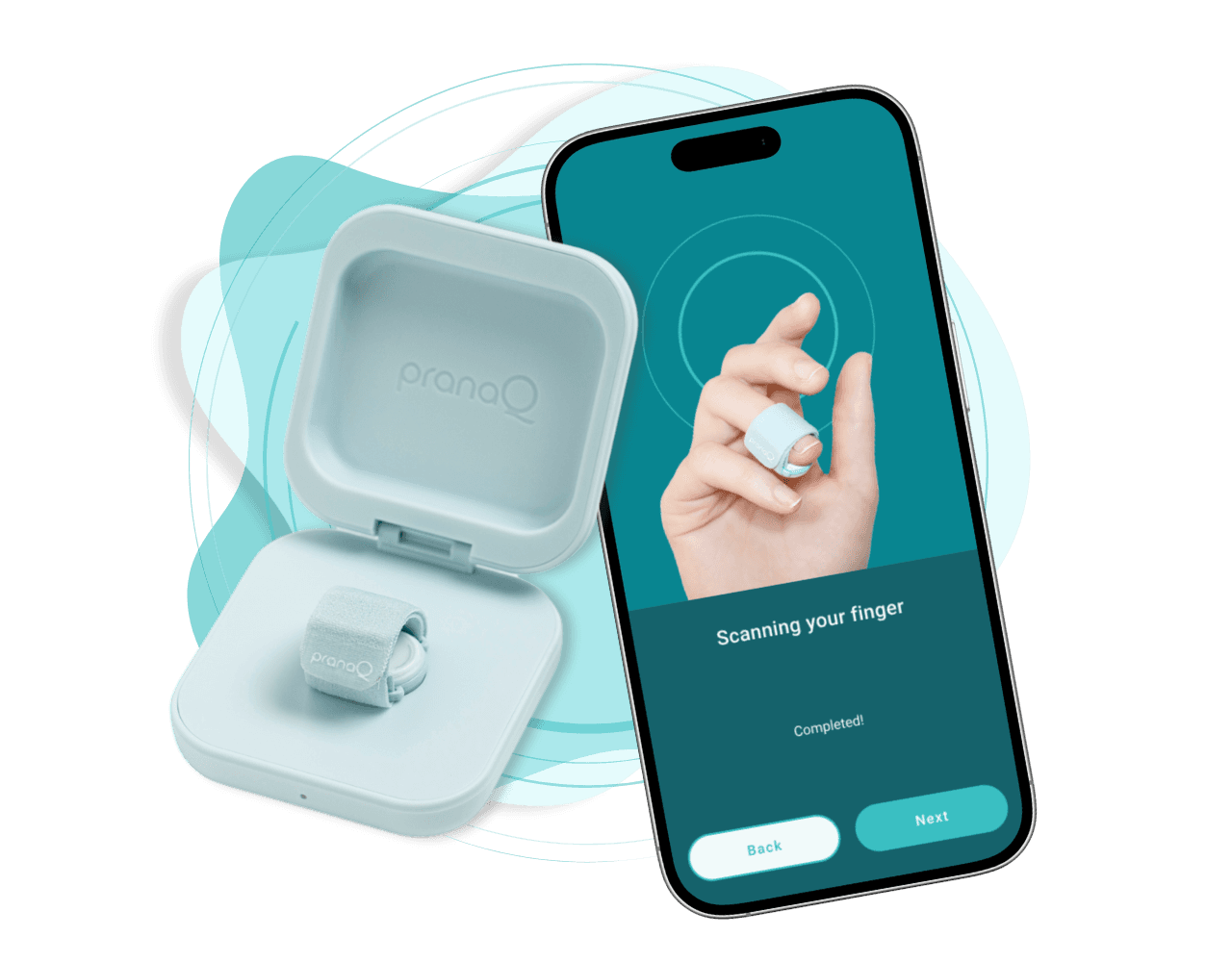
Charge the sensor
Top up the case, then open the app.
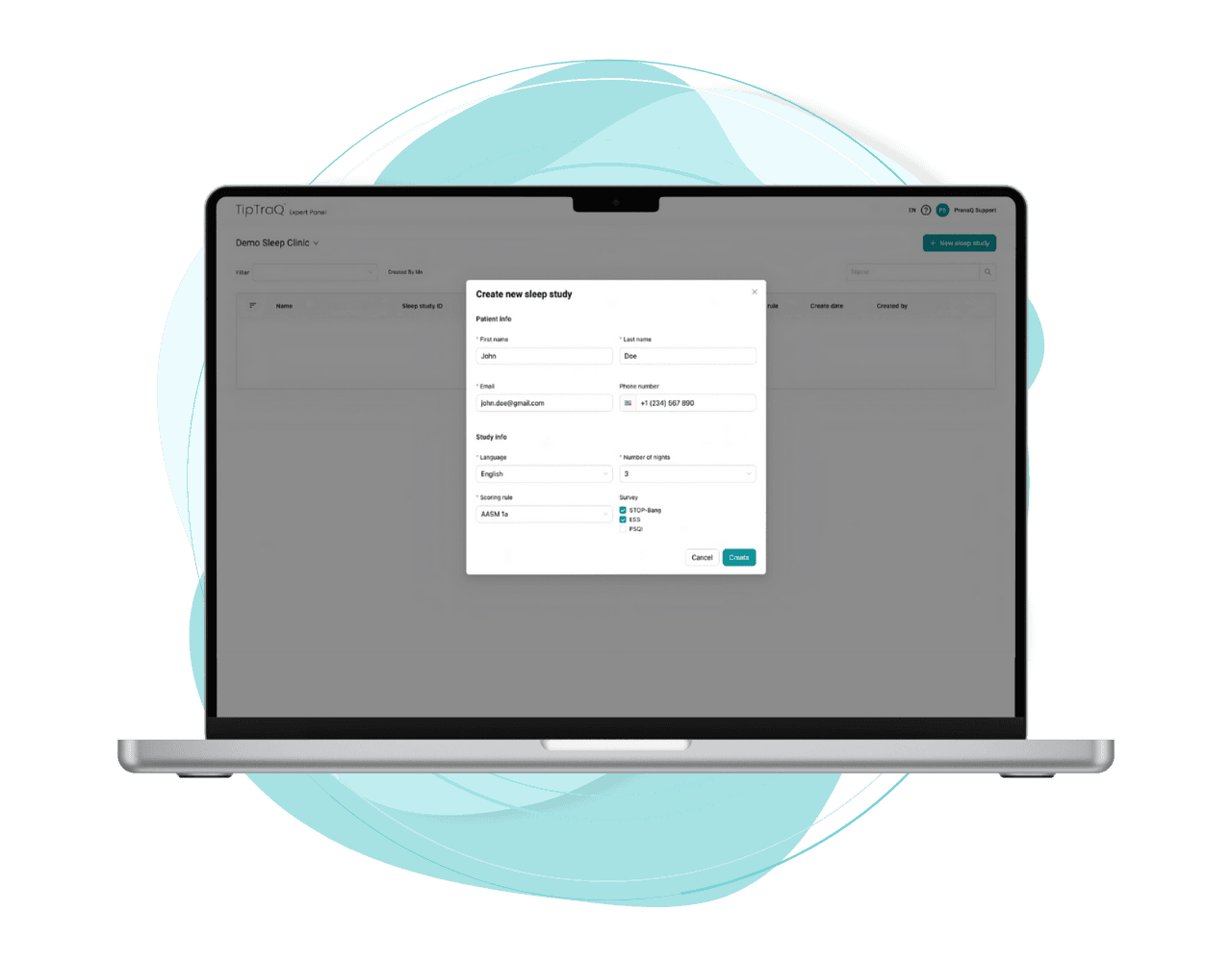
Set up the app
Activate your study and confirm your details.
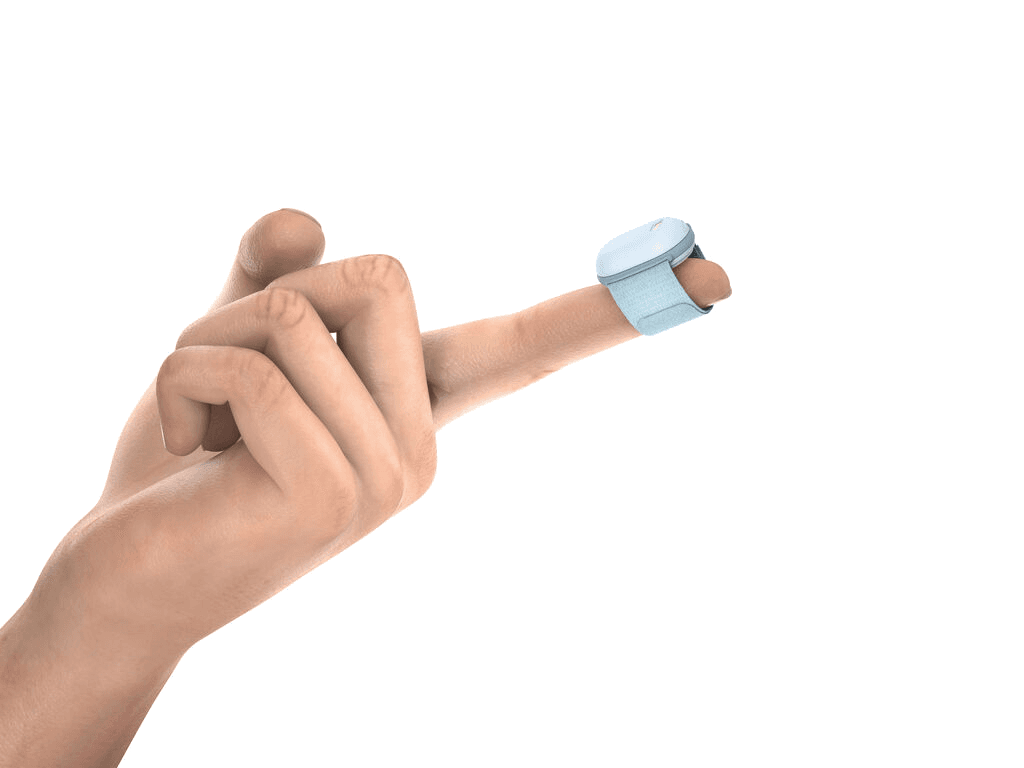
Wear it overnight
Wrap the sensor, start recording, sleep as usual.
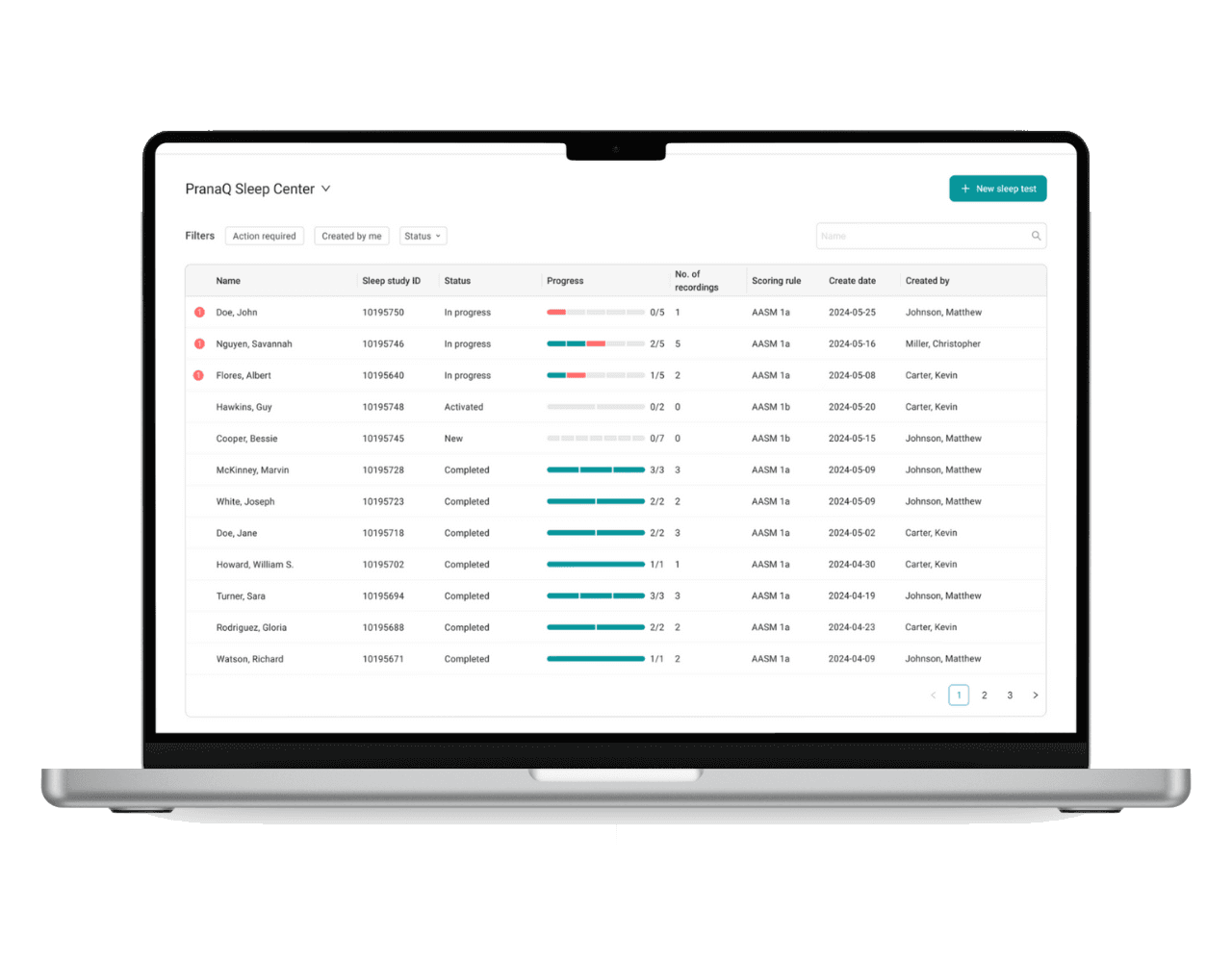
Your nights sync
End each morning to upload — usually three nights.
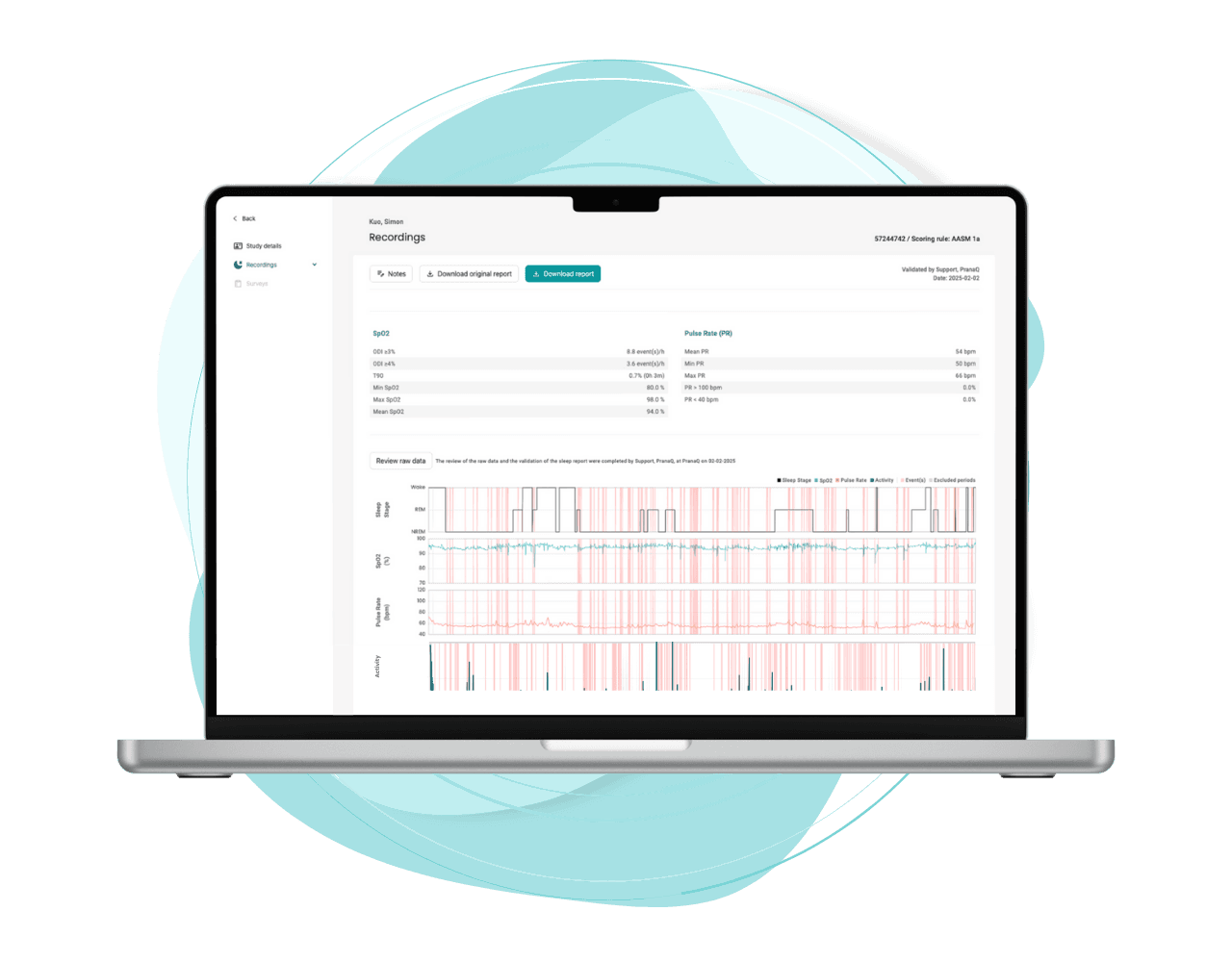
An expert reviews
Every recording validated by a sleep professional.
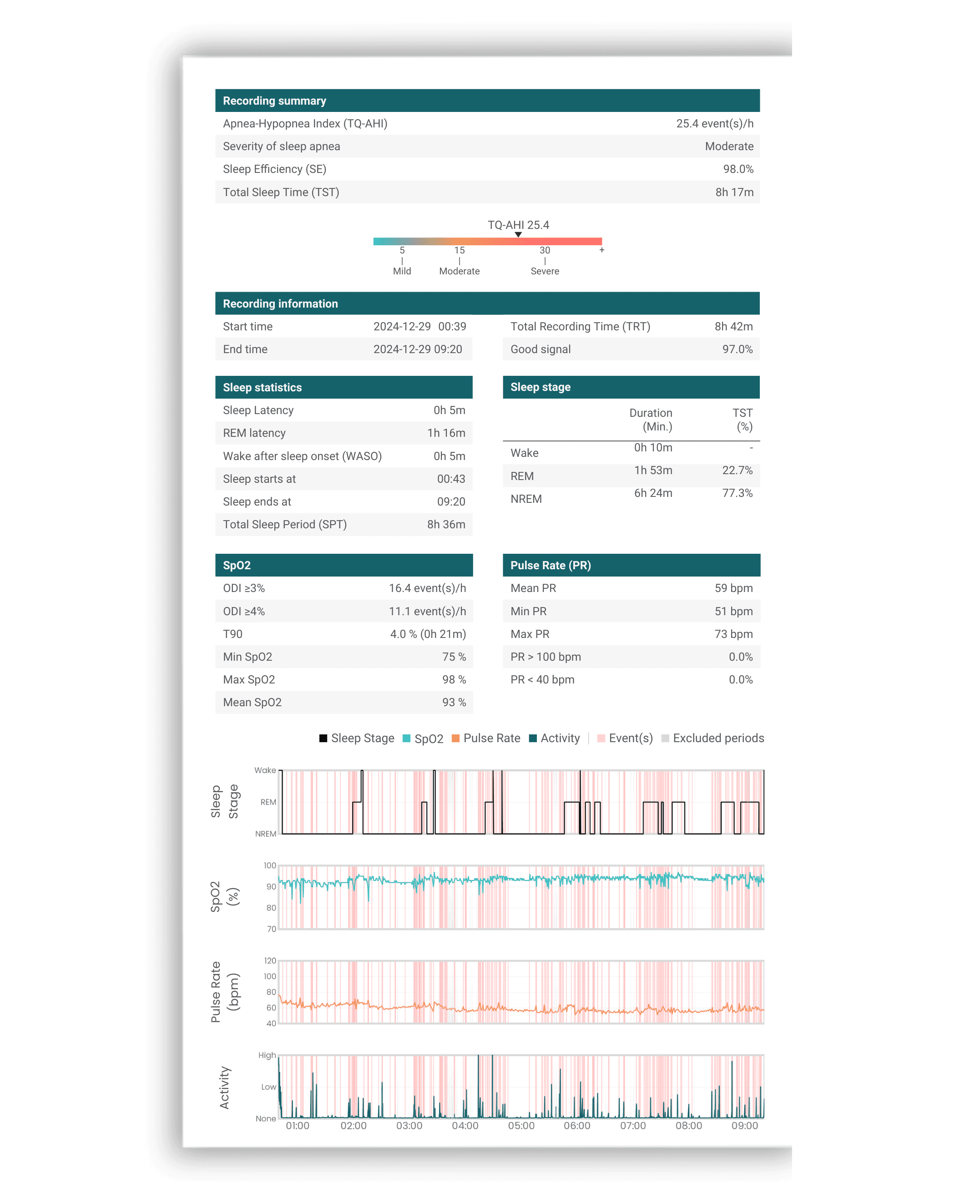
Your results
TQ-AHI, oxygen, and sleep staging for your clinician.